Schedules for Bidding
Agents can bid for schedules that have been put out for bids by the Supervisor.
What do you want to do?
Tasks in this Topic Include:
Related Tasks:
- My Schedule
- My Schedule Changes
- My Schedule Adherence
- My Bids
- Schedule Swap Requests
- My Alerts
- Change Password
Submit a Bid Offer
To submit a bid offer:
- Select schedules
for bidding on the left navigation menu.
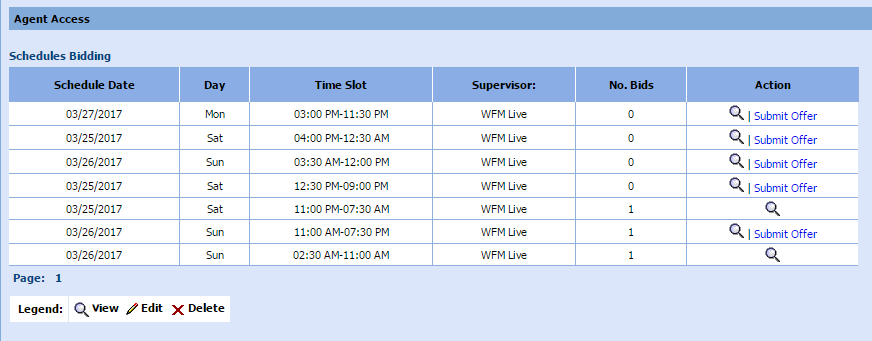
- Locate a schedule to bid on.
- Select Submit
Offer.
A verification message is displayed.
- Select Ok
to submit the request. A comments window is displayed:
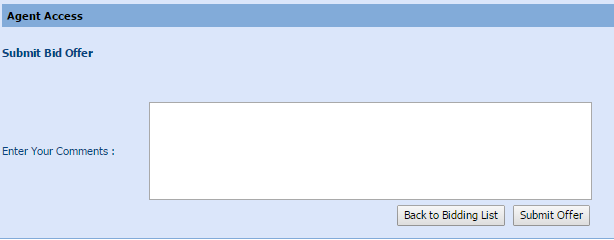
- Enter any comments to be read by the Supervisor approving/declining the bid (Optional).
- Select Submit
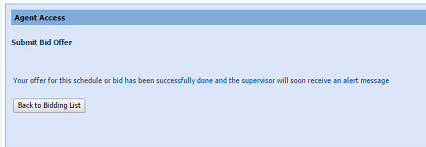
Offer to make the request. A success message is displayed: